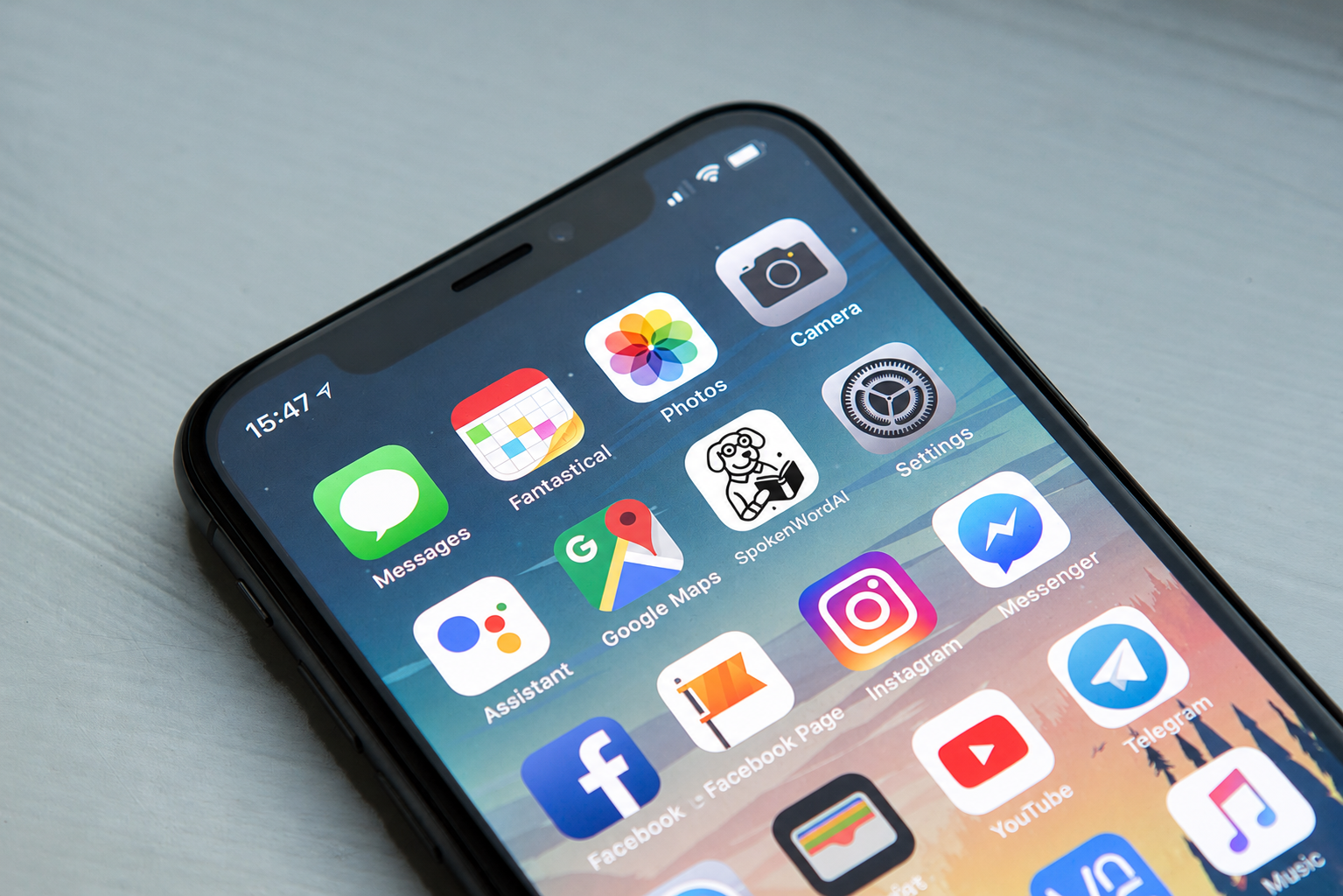
Install and open the app.
Scan the QR or tap the link to reach the right storefront. Setup is handled inside the app — not on the website.
 SpokenWordAI
Private AI helper
SpokenWordAI
Private AI helper
SpokenWordAI
Understand what is on your screen. Get the next step. Move through repetitive tasks faster using voice, screen understanding, and guided automation — with privacy built in.
Tasks
SpokenWordAI reads what is on your screen and surfaces the right next action — no hunting through menus, no guessing what comes next.
Devices
Return to saved devices and setups in seconds. Your configuration stays ready — no re-pairing, no lost context every time you open the app.

Voice
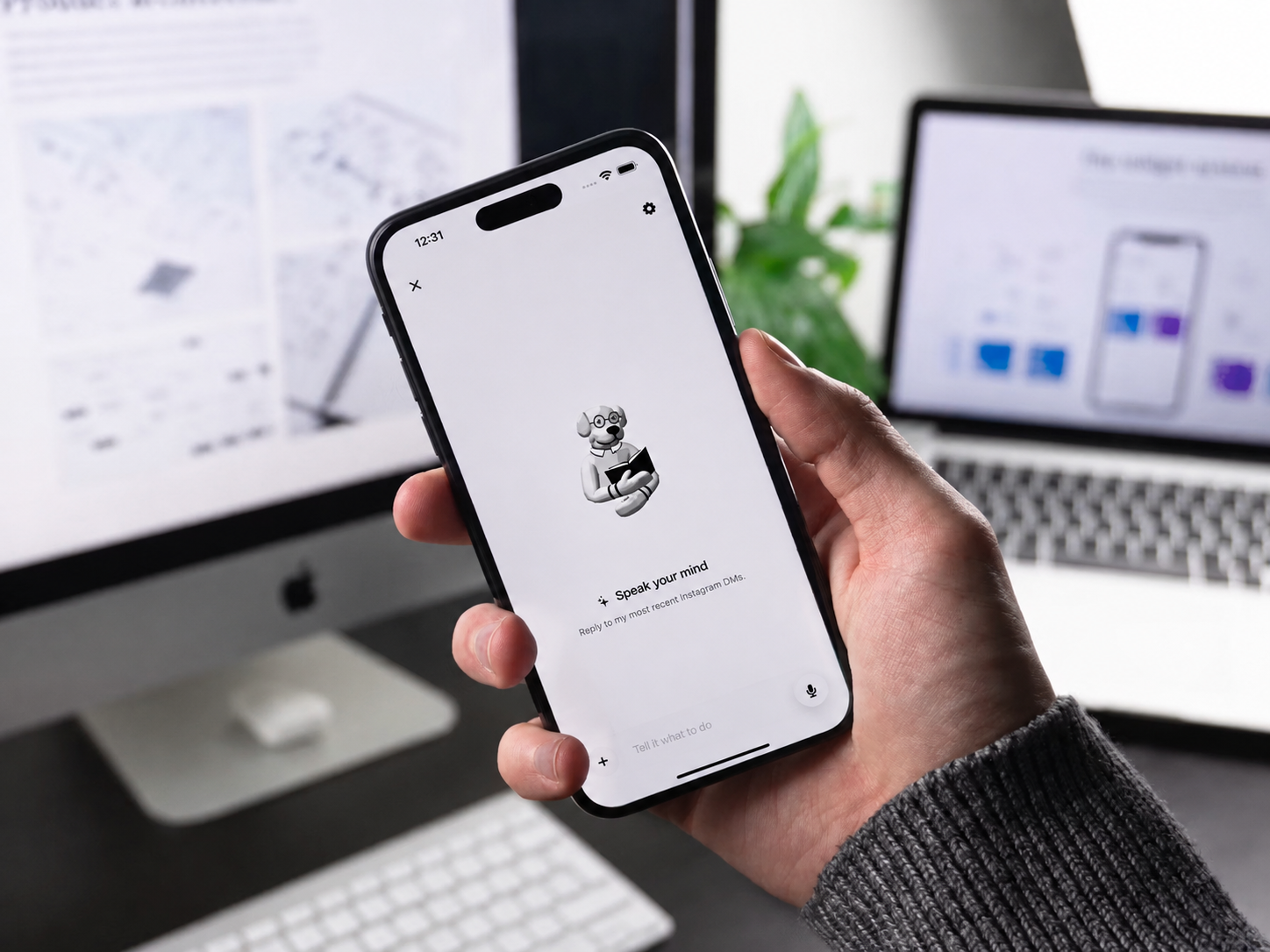
Use your voice to kick off a task, confirm a next step, or steer a workflow. Review what SpokenWordAI suggests before anything runs — you stay in control of every decision.

Privacy First
Sensitive features are built to keep your data on your device. You choose when to connect, when to share, and how the app is used. SpokenWordAI never assumes permission.
How It Works
No complicated setup. SpokenWordAI gets out of the way and lets you focus on the task.
Scan the QR or tap the link to reach the right storefront. Setup is handled inside the app — not on the website.
Pair a supported device or begin a workflow. SpokenWordAI reads your screen and shows you what comes next.
Speak to steer the action. Review suggested steps before they run. Nothing happens without your go-ahead.